Search tips
- Check your spelling
- Try a different term
- Keep your search term short and simple
New: The sender can add devices to their consignment draft. Start: Devices can be added to start the NLIS movement process. Review: Tags are included and can be reviewed, but they cannot be moved until the movement date begins. Ready: Device tags have been added and are prepared for submission. You can now move them to your PIC Pending: The transfer is awaiting confirmation from NLIS—sit back and relax! Moved: The transfer has been successfully completed. Closed: The deadline to move the devices via eNVD has passed. Your only option now is to log into the NLIS system and move...
View more information on the eNVD system. To complete an eNVD, log in to your LPA account via myMLA and follow the instructions in the eNVD how-to guide to complete your consignment.
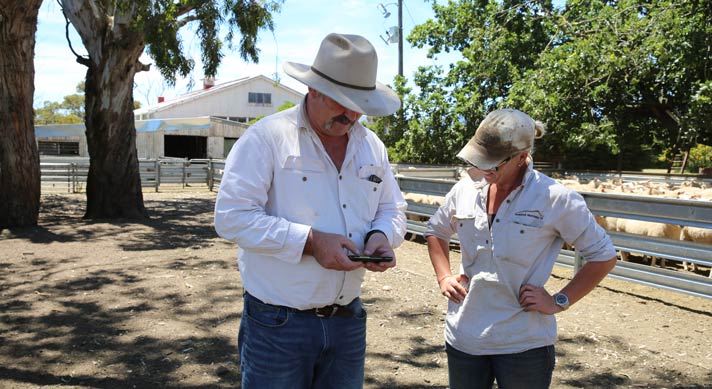
If a producer makes a mistake when filling out an eNVD, agents should advise the producer to duplicate the consignment, update the details that they need to, and then delete the original. This can be done for 48 hours after the eNVD has been submitted. Alternately, if the producer has printed the eNVD or has used a hard copy NVD, any changes to the NVD should be made directly onto the document with a pen and initialled.
No, the NLIS transfer is not complete just by adding device details to the eNVD. The NLIS transfer must be completed by the person receiving the livestock, and this can be done via the eNVD web application. As the sender of livestock, adding the NLIS device details to the eNVD gives the receiver a head start. It pre-fills the information they need and makes the transfer process faster and easier for them. It is the receivers of the livestock's responsibility to transfer NLIS device details onto their property within 48 hours of receiving the livestock.
You can contact the ISC Helpdesk phone: 1800 683 111 between 8am-7pm (AEDT), Monday to Friday.
If your receiver isn't using eNVD, you can still use the eNVD app. Find out more in this how-to guide.
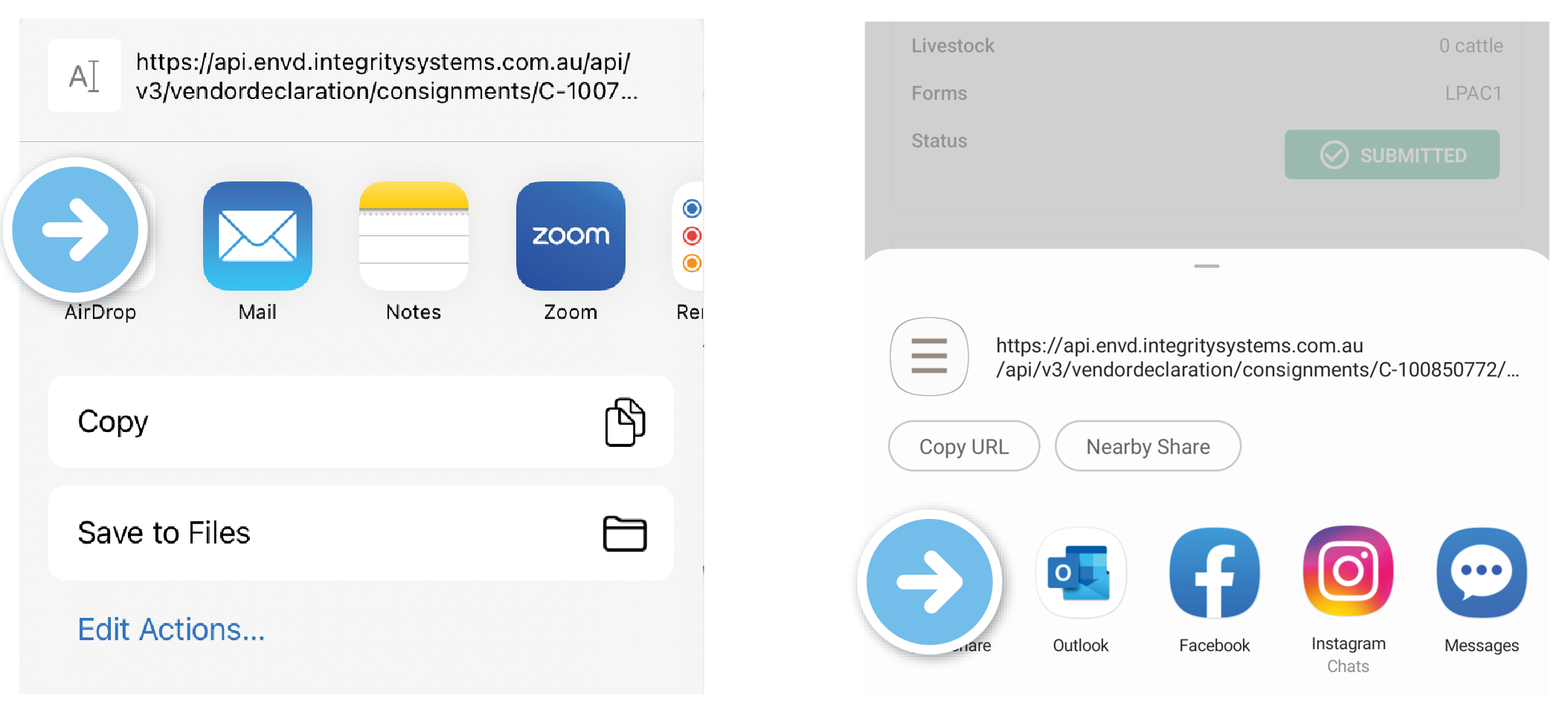
Users only have to answer questions once – the new system autofills duplicate answers across all different forms automatically Mobile friendly – use on any mobile device or desktop computer. It is completely responsive to the size of the screen being used Digital signatures & brands – users can draw their signature and/or brand using a touch-screen device or mouse Consignment templates allow users to pre-fill accompanying documents. Unlimited space for livestock descriptions Print at any time.
ISC understands there are many situations where the destination PIC will be a saleyard but producers are consigning the livestock to an agent. In this case, agents should advise the producer to put the saleyard PIC as the destination and then consign the animals to the agent as the consignee or the person taking carriage of the livestock. Some agencies will not have their own PIC so producers can manually enter the details just as they would write them in the ‘consigned to’ question on a hard copy NVD. This is the agent’s company name and the town of the...
In order to pass the consignment information onto the receiver (consignee), the eNVD system needs to know where the consignment is going.
You can only access the new Harvest Rangeland Goat National Vendor Declaration (NVD) or eNVD once their state and territory department has approved your application and payment has been made.