Search tips
- Check your spelling
- Try a different term
- Keep your search term short and simple
ISC has an eNVD how-to guide which outlines the steps in completing an eNVD. Otherwise, for more information or assistance contact ISC Customer Service on 1800 683 111.
eNVD demonstration webinar for processors

eNVD demonstration webinar for transporters

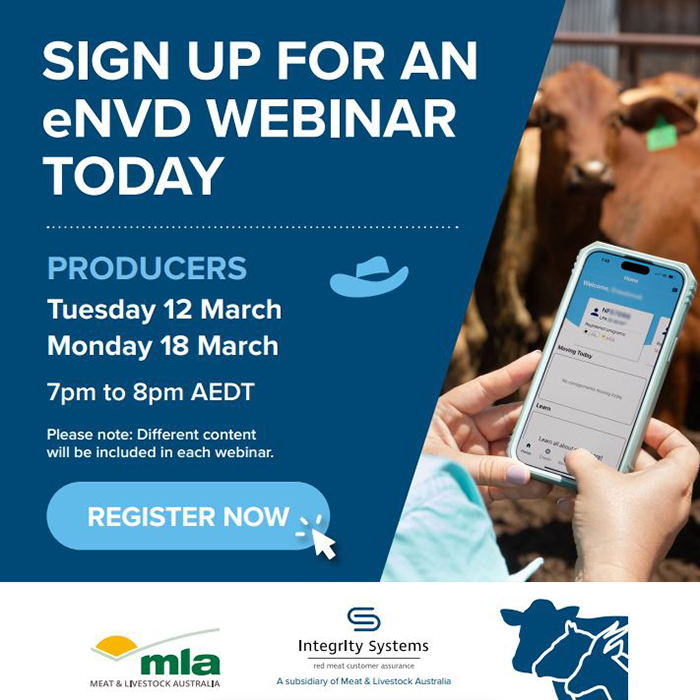
eNVD demonstration webinars for producers
There are two steps for signing an eNVD. Part A First, the producer must sign the eNVD, as it serves as a declaration confirming compliance with LPA requirements and accuracy of the document. LPA NVDs are legal documents and part of record keeping, subject to audit. Part B Second, the livestock transporter completes the Transporter Section, either digitally via their app or on the printed eNVD. If signing digitally they can: Scenario 1: "The transporter has a myMLA account and his/her myMLA email has been entered into the transporter section of the consignment" They can login to...
October eNVD featured function

Get help with using the electronic National Vendor Declaration (eNVD) web-based system or mobile app. Alternatively find out how to order paper NVDs.
While ISC recommends using Google Chrome to access the eNVD, its mobile features are supported on Internet Explorer 11+, Microsoft Edge, Firefox and Safari.